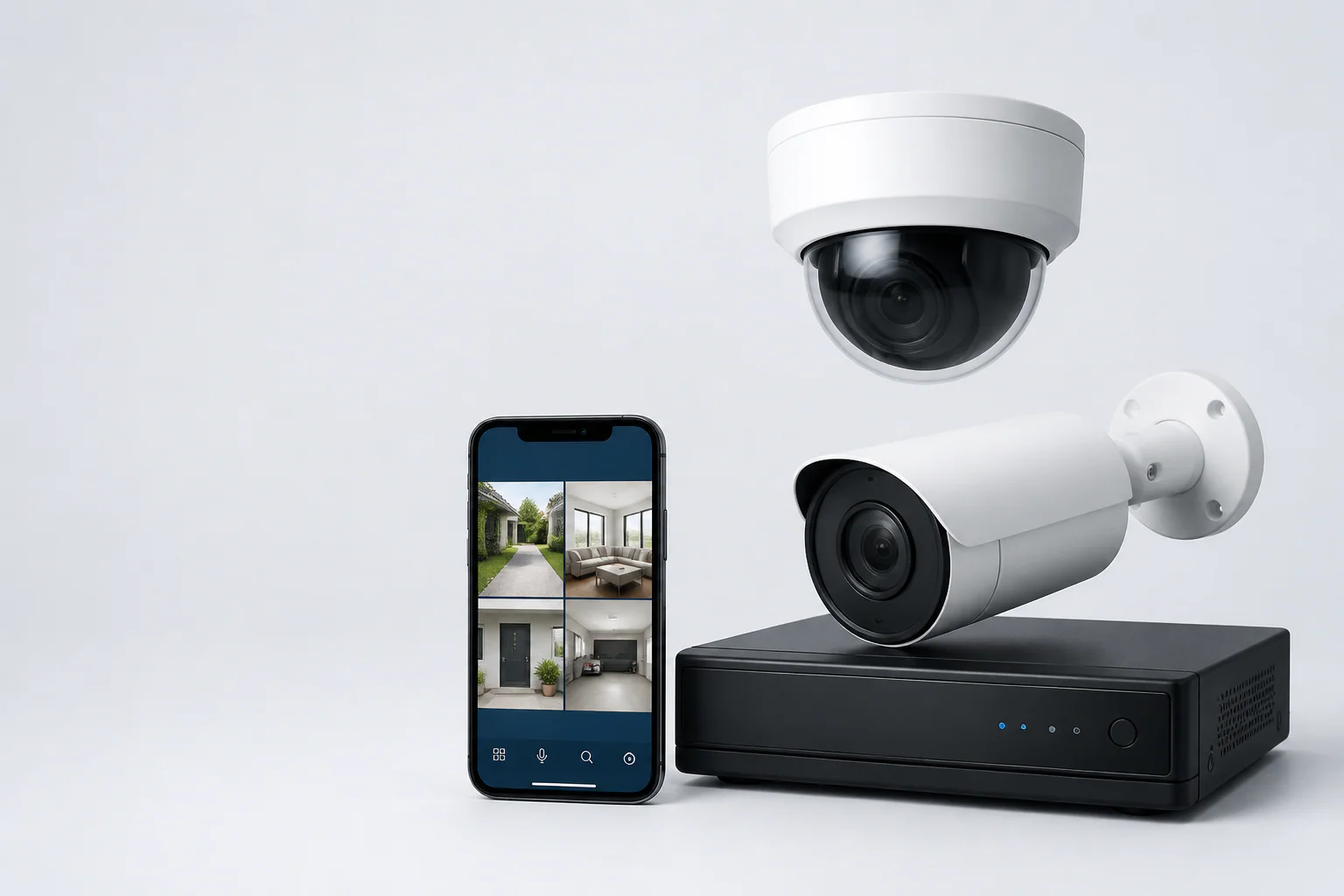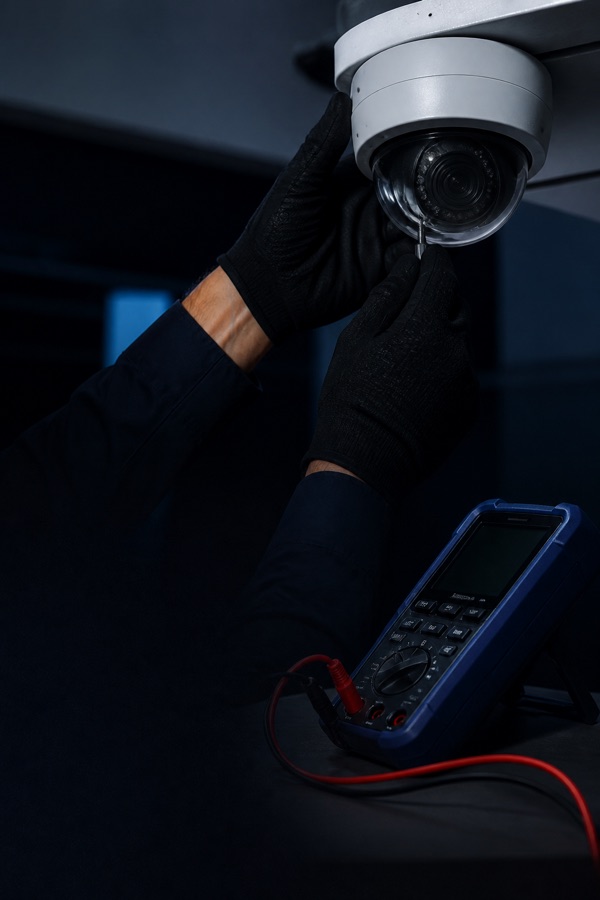
First determine whether the fault affects one camera, one group or the entire system. Preserve recordings, note the time and error, then check display, recorder, power, link and camera in that order. Avoid factory resets until configuration and evidence are backed up.
Classify the symptom first
A black tile, “no video,” intermittent image and failed remote app are different faults. Check whether playback is missing and whether other users see the issue. Photograph the error and note when it began.
Use a fault-isolation sequence
Work from the least disruptive shared component toward the camera.
- Confirm monitor input and recorder response
- Check one channel, switch group or all cameras
- Inspect recorder/PoE link status
- Check accessible connectors for water or looseness
- Use known-good ports only if competent
Symptoms and likely areas
These are starting points, not diagnoses. Avoid height or powered work without competence.
| Symptom | Possible area | Check first |
|---|---|---|
| One IP camera offline | PoE, cable, address or camera | Recordings and settings |
| Several offline | Shared switch or power | Affected group |
| Live; no playback | Schedule, disk or recorder | Last footage |
| Remote app fails | Internet, account or permissions | Local operation |
When to call for service
Escalate for water ingress, burning smell, repeated power failure, damaged outdoor cable, inaccessible mounting, storage error or risk of deleting evidence. Provide model, channel and failure time.
Frequently asked questions
Should I factory-reset an offline camera?
Not first. A reset removes settings and can complicate recovery.
Why does local CCTV work but not my phone?
Internet, account, permissions or remote access may have failed.
Can a bad hard drive make cameras offline?
It more commonly affects recording, but recorder instability can cause broader symptoms.